Features
Every tool your team
needs, in one place
Explore how Toolhive's interface puts your entire cutting tool inventory - search, filters, assemblies, and analytics - within a single click.

Smart Navigation

Instant Search

Advanced Filters

My Items vs Tool Catalog

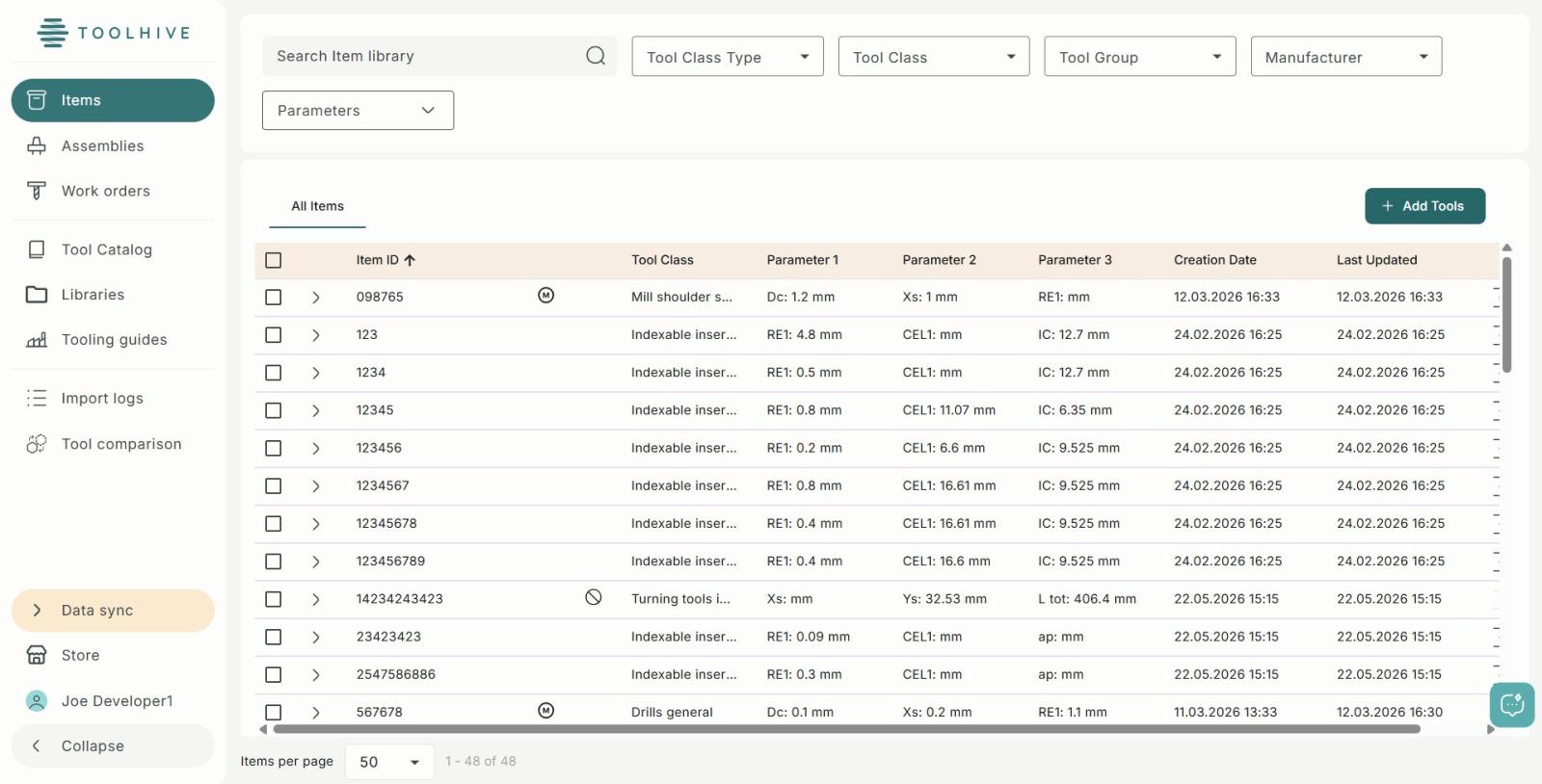
Tool Library Table

Scale to Thousands
-
Smart Navigation
Your entire workflow lives in the sidebar. Switch instantly between Items, Assemblies, Work Orders, Libraries, Import Logs, Marketplace, and Tool Comparison – each section remembers where you left off.
- Items & Assemblies
- Work Orders
- Import Logs
- Marketplace & Comparison
1
-
Instant Search
Search across your entire tool library in real time by Item ID, description, or any tool parameter. Results narrow as you type so you find the exact tool in seconds, even across thousands of items.
- Real-time filtering
- Search by Item ID
- Search by Tool Class
- Search by parameter value
2
-
Advanced Filters
Stack multiple filters at once across Tool Class Type, Tool Class, Tool Group, Manufacturer, and Parameters. Each dropdown is independently searchable, and active filters stack without overwriting each other.
- Tool Class Type
- Tool Group & Manufacturer
- Parameter-level filters
- Stack unlimited filters
3
-
My Items vs Tool Catalog
Toggle between your personal Item inventory and the full Tool Catalog with one click. My Items shows only what's assigned to your account, while Tool Catalog gives access to every tool available across the platform.
- My Items - personal inventory
- Tool Catalog - full platform
- One-click switching
- Independent filter state
4
-
Tool Library Table
Every tool is displayed with its Item ID, Tool Class, up to three key parameters, and both Creation and Last Updated timestamps. Click any column header to sort ascending or descending, and expand any row to see full geometry details.
- Sortable by any column
- Parameter 1, 2 & 3 columns
- Creation & update timestamps
- Row expand for full detail
5
-
Scale to Thousands
Toolhive handles inventories of any size without slowdown. The example shown manages 1,904 tools across 37+ pages. Adjust items per page, jump directly to a page number, or step through results one page at a time.
- 1,904+ tools in demo
- Configurable page size
- Direct page jump
- Total count always visible
6
Video Resources
See Toolhive in action
Short, focused walkthroughs for every part of the platform - from setup to advanced workflows.
Welcome to Toolhive
Learn how to quickly log in, navigate the dashboard, and explore the core features built to manage your shop's tool data.
Watch now
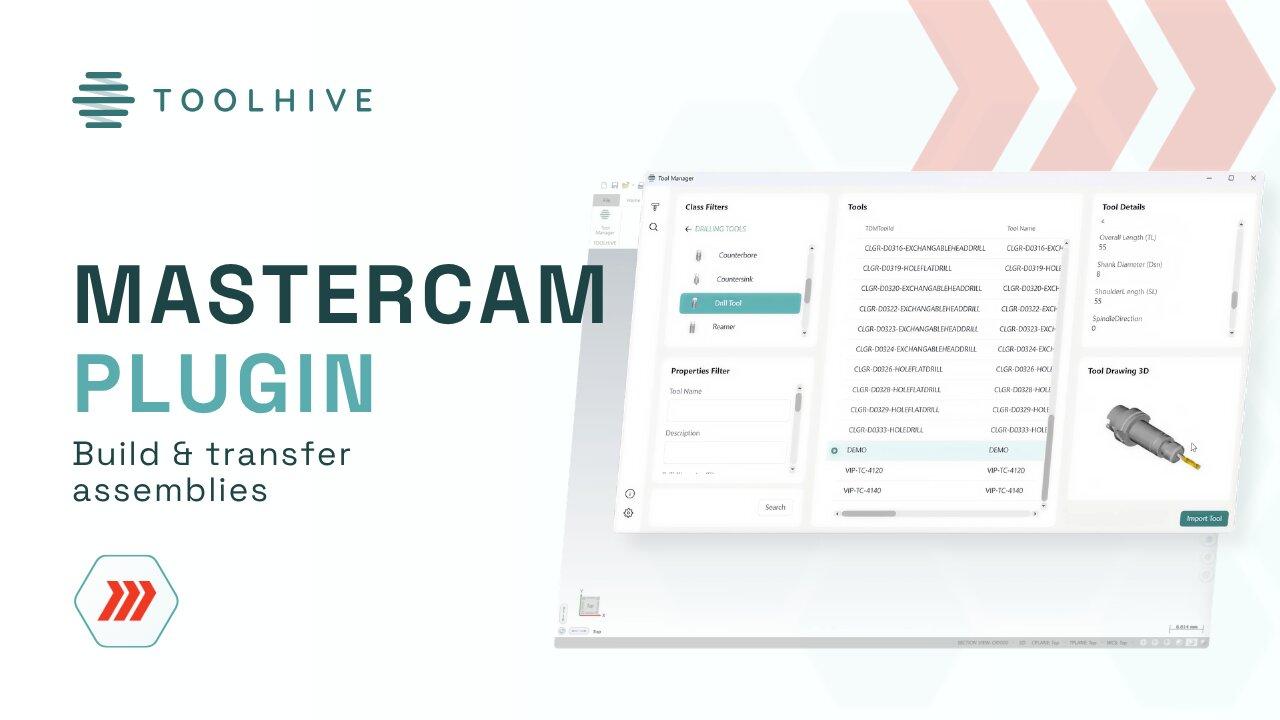
Toolhive - Mastercam plugin
See how to build a complete tool assembly from scratch and sync all the data straight into Mastercam.
Watch now
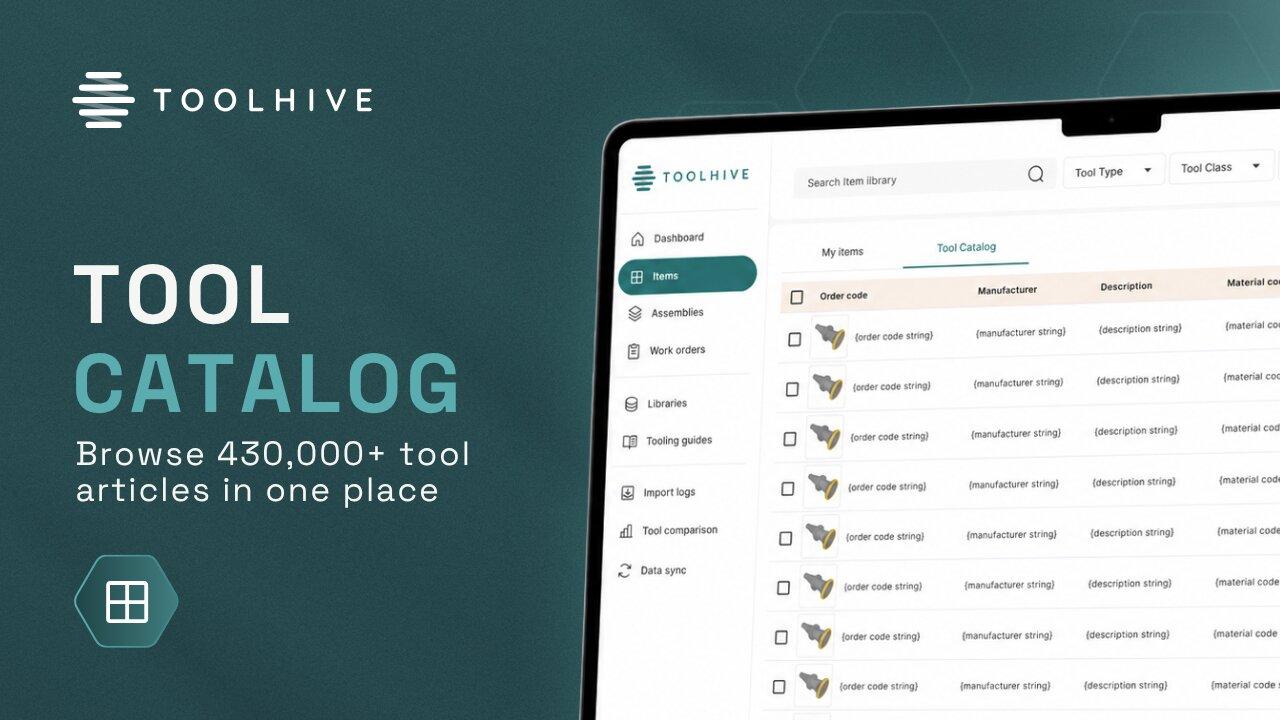
Toolhive Tool Catalog
Explore how to filter through 500,000+ components from leading manufacturing brands and instantly transfer data to your library.
Watch now
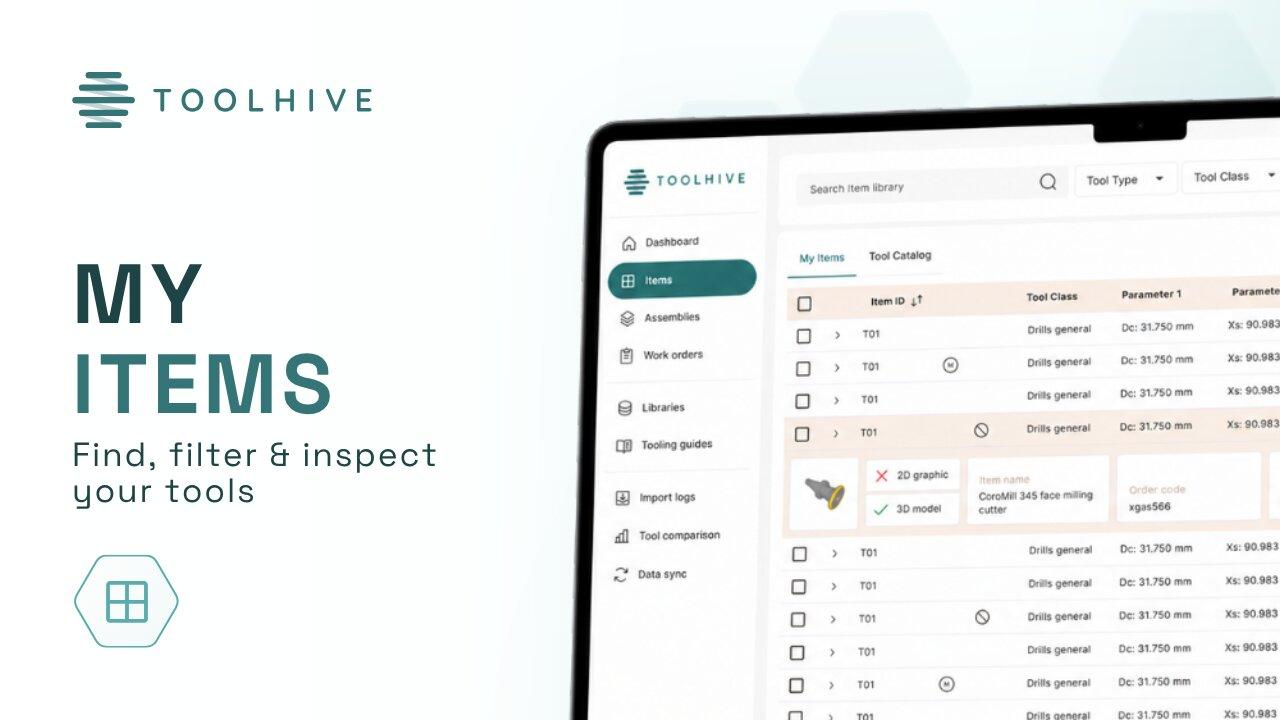
Toolhive My Items
A complete breakdown of how to quickly find, filter, and inspect your tool data.
Watch now
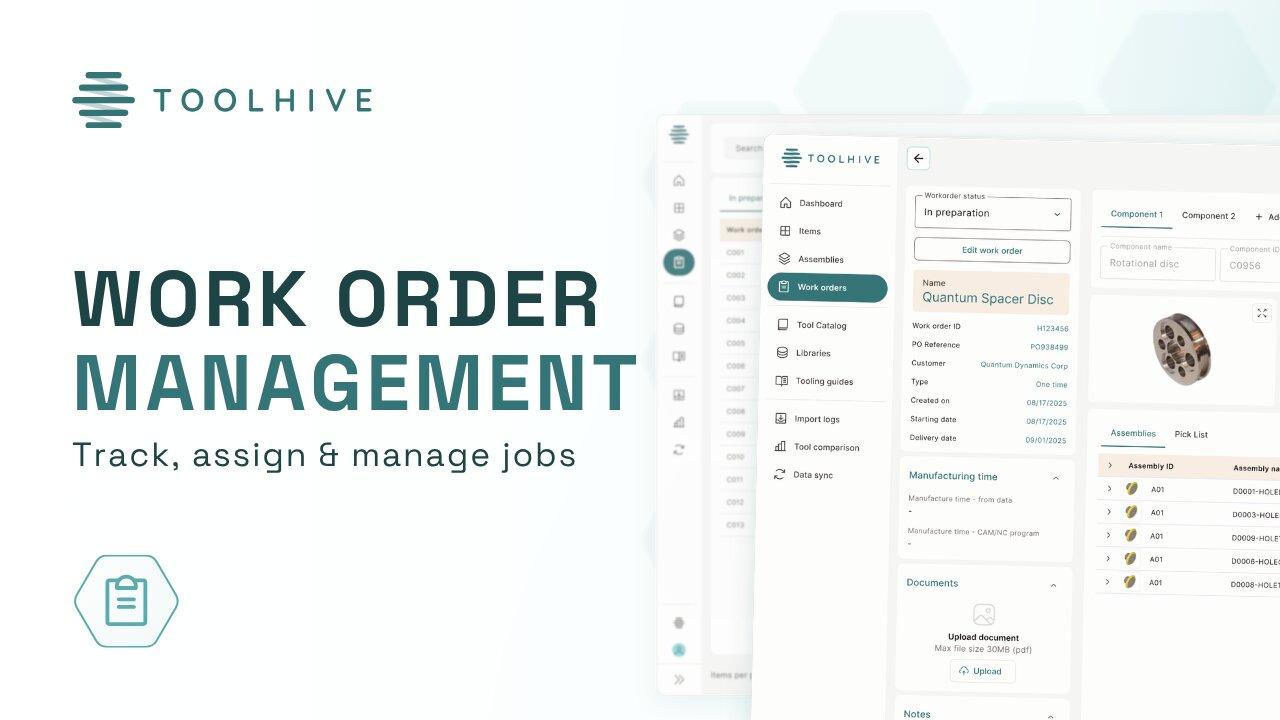
Toolhive - Work order management
See how to create digital work orders, assign tools to specific machines, and keep the production running smoothly.
5
Guided walkthroughs27 min
Total watch timeHD
Video qualityFree
No sign-up needed