


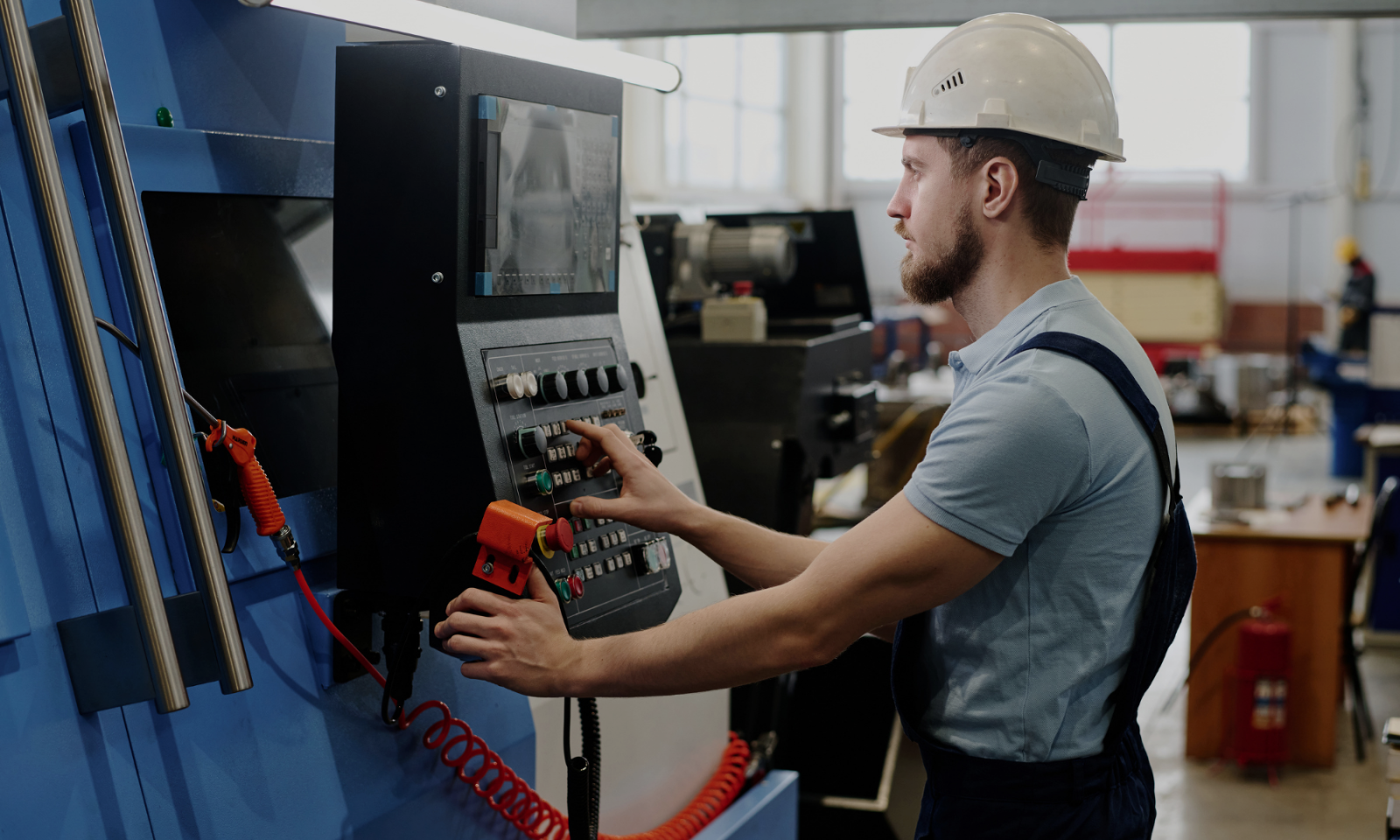
Setup time shapes floor performance more than most shops realize. For high-mix, low-volume work, it can eat up more hours than the cutting itself, dragging down machine utilization and pushing up your cost per part.
One common source of that lost time is messy, incomplete, or inconsistent tool data.
This article breaks down the practical ways to win that time back, starting with getting your tool data in order.
Why does inconsistent tool data slow down setups?
Tool data directly affects setup time because operators rely on it to know which tools to load, how to assemble them, and which dimensions or stick-out to use.
When that information is incomplete or inconsistent, they have to stop and verify, remeasure, or rebuild parts of the setup from scratch. On repeat jobs, that's time spent solving problems the shop has already solved once.
Let’s look at some of the most common ways inconsistent tool data adds time to a setup.
The same tool has three different names
The same tool gets logged under a different name in every program. It's "1/2 EM" in one, "EM-0500" in another, "ENDMILL .5 ROUGH" in a third. Once the names stop matching, the list stops being trustworthy, so the operator checks every tool by hand before cycle start. That's easily 15 to 20 minutes gone on a job that was supposed to be quick.
The cutter is documented, but the assembly isn't
The program names the cutter but says nothing about the holder, the extension, or the stick-out. So the assembly gets rebuilt from memory and measured at the machine every time. On a first run that's unavoidable. On a repeat job it's pure waste, because you're re-deriving numbers someone already nailed down months ago.
Critical setup details live in someone's head
One programmer just knows which tool runs this job, what stick-out to set, which holder clears the fixture. While they're in, setups move fast. The day they're out sick or on vacation, the same job takes twice as long, because none of what they know was written down anywhere the next person could reach it.
Different programmers work from different tool lists
Each programmer works from their own version of the tool list, so there's no single source of truth. Updates don't spread, duplicates pile up, and two people pulling the "same" tool end up with two different things. It drives up tooling spend as well, since duplicate tools get reordered whenever no one can confirm what's already in stock.
On their own, none of these feel like a crisis. They're friction, the ordinary background cost of a busy shop. Stacked across every setup and every repeat job, though, they add up to a real slice of the capacity you're trying to win back. The rest of this article is about clearing them out.
How tool standardization reduces CNC setup time
A repeat job should start with an advantage – your team has already figured out which tools work, how they should be assembled, and what the proven setup looks like.
That advantage disappears when the information from the first run can't be trusted or easily retrieved.
Instead of preparing the job from known data, the operator has to identify tools, confirm dimensions, rebuild assemblies, check holders and stick-out, and verify that what's physically at the machine matches what the programmer intended.
Standardization removes that rework.
When every tool has a consistent identity, complete assembly data, and a reliable record your programmers and operators can access, the next setup starts from what the shop already knows instead of rebuilding that knowledge from scratch.
For repeat jobs, that's where the time savings come from.
How to standardize your tool data
Standardizing tool data is not a one-off activity of cleaning up a spreadsheet once and calling it a day. The goal is to create a repeatable way to define, store, and use tooling information across programming and setup.
1. Give each tool a consistent identity
Start with a naming convention everyone uses.
A 1/2-inch end mill shouldn't appear under several different descriptions depending on who programmed the job. Decide which fields identify a tool in your shop and use the same structure every time.
That might include:
- tool type
- manufacturer and product ID
- diameter
- corner radius
- flute length
- number of flutes
- material or coating where relevant
The exact naming convention matters less than consistency. A programmer searching for a tool should be able to find the existing record instead of creating another version of it.
Tool numbers need the same discipline, but not necessarily one universal number for every situation. Define how tool numbers are assigned in your CAM environment and on each machine so the number in the program reliably maps to the tool the operator expects to load.
2. Standardize the complete tool assembly
Knowing which end mill to use is only part of the setup.
The operator may also need to know:
- which holder it belongs in
- collet or adapter information
- gauge length
- stick-out
- assembly dimensions
- relevant offsets or presetting data
If those details aren't stored with the tool, the operator has to reconstruct the assembly during every repeat setup.
A better approach is to treat the cutter, holder, and relevant assembly dimensions as one reusable tooling definition. Once an assembly has been proven on a job, the next operator has a known configuration to work from.
3. Decide which fields every tool record must contain
Standardization also means deciding what "complete" tool data looks like.
Create a minimum set of required fields for every tool added to your library. The exact list will depend on your machines and CAM system, but the goal is that another programmer or operator should have enough information to identify and reproduce the tool without tracking down the person who originally created it.
Avoid relying on free-text descriptions for information that can be stored as a structured field.
"Use the long holder" might make sense today, but six months later, it probably won't.
4. Keep one shared tool library
Even the perfectly structured records won't help much if they're spread across individual programmers' CAM libraries, spreadsheets, old setup sheets, and shared folders.
Your team needs one place to check before creating or modifying a tool.
A shared digital tool library gives programmers and operators a common reference for the tooling the shop actually uses. When a tool changes, the record can be updated once instead of leaving several conflicting versions behind.
5. Connect your tool management software to CAM
The less tooling information your team has to enter twice, the better.
If your shop uses a tool management software, connect it to your CAM software where possible. That way, programmers can pull existing tool definitions into CAM instead of manually recreating cutters, holders, dimensions, and cutting data for every job.
This gives your team one controlled source for tooling data while still letting programmers work with those tools inside their CAM environment.
For repeat jobs, this matters even more because the tool selected in CAM can trace back to the same standardized record your team uses elsewhere. Instead of maintaining one version in CAM, another in a spreadsheet, and another on the setup sheet, you're working from the same underlying tooling information.
Use CNC setup sheets to carry the data to the machine
Standardized data only saves setup time if the person setting up the machine can actually use it.
That's where the CNC setup sheet comes in.
A good setup sheet turns the programmer's digital setup into clear instructions for the operator. For repeat jobs, it should make it possible to answer the basic setup questions without opening old programs, checking several spreadsheets, or asking the previous operator what they did last time.
At minimum, the tooling section of a CNC setup sheet should make it clear:
- which tools the job requires
- the tool numbers used in the program
- which holder or assembly is required
- relevant tool and assembly dimensions
- stick-out or gauge length where critical
- any job-specific tooling notes
The rest of the sheet can capture the other information needed to reproduce the job, including workholding, work offsets, stock orientation, operation sequence, and setup images.
If you're building a CNC setup sheet for repeat work, focus on information that helps another operator reproduce the proven setup. Don’t fall into the trap of thinking that more fields automatically make a better sheet.
Turn proven setups into repeatable setups
Faster repeat setups come from preserving the work your team already did.
That means standardizing how tools are defined, storing complete assemblies instead of isolated cutter descriptions, keeping the tool data in a shared library, and updating the records once the job has been proven on the machine.
The result of doing all that is less searching, less rebuilding, less guesswork, and a shorter path from job release to cycle start.